Try the latest PoloX AI Agent
One creative workspace for your next idea.

INDEPENDENT GUIDE · Artlist AI

Artlist AI Creative Studio: Plan a Film from One Idea

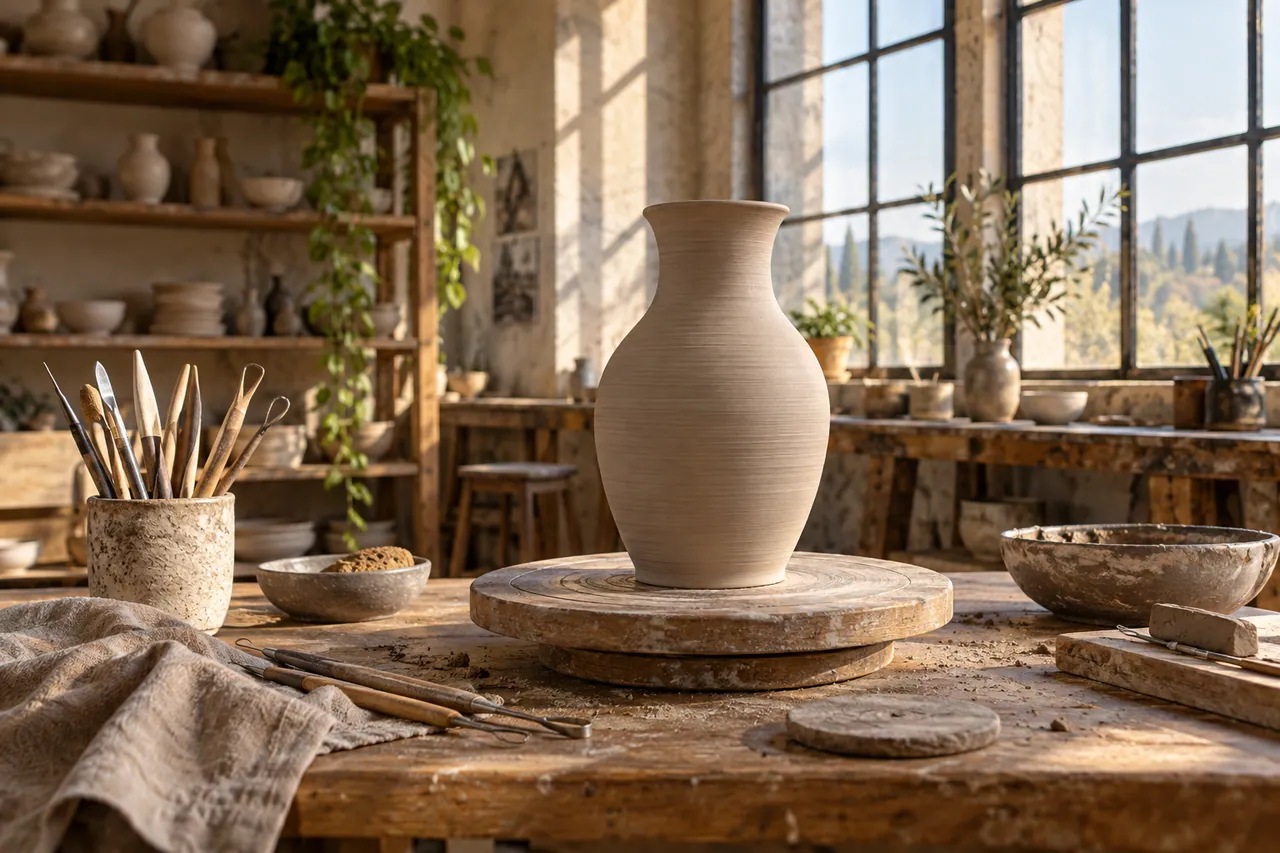
An Artlist AI project becomes easier to direct when the message comes before the asset search. Our ceramics exercise follows a piece from a working studio to its finished display. The two images give that transition a visual destination: tactile clay at the beginning, a quiet sculptural object at the end. The creative challenge is to make the transformation understandable without filling every second with explanation.

An artisan pottery studio with a single unglazed vase on a rotating wooden pedestal.
AI-generated concept illustration for this independent Artlist AI guide. An artisan pottery studio with a single unglazed vase on a rotating wooden pedestal.

THE BRAND & THE BRIEF

Explore Artlist AI with a clear creative goal

Artlist brings AI image, video, voiceover and music tools together with a stock asset catalog. This page focuses on cinematic video, music and voice planning through an original exercise: a ceramic studio opening film.

Use the examples to plan your own tests. They are editorial concept illustrations created for this guide, not screenshots, product benchmarks or outputs generated by Artlist AI.

Visit the official Artlist AI website ↗

01 / VISUAL DIRECTION

Two image prompts for a ceramic studio opening film

Use the first composition to establish the idea and the second to explore a related detail. Adapt the wording and reference inputs to the tool you choose; these prompts describe the creative intent, not a guaranteed result.

PROMPT 01

Establish the visual idea

An artisan pottery studio with a single unglazed vase on a rotating wooden pedestal, morning sun through tall windows, clay tools arranged neatly, cinematic editorial photography. One coherent composition with a clear focal point and natural material detail. Landscape framing. No text, logos, watermarks or decorative borders.
PROMPT 02

Develop the supporting view

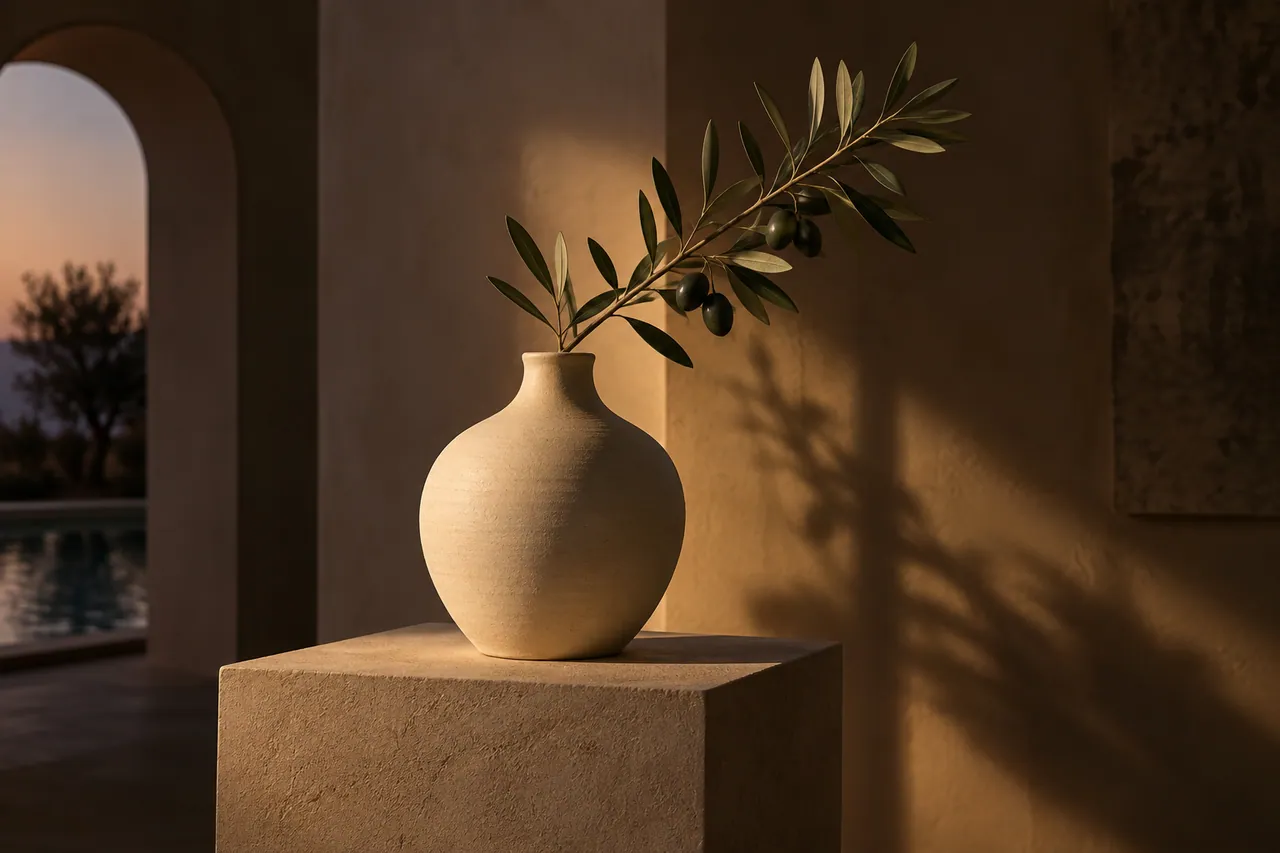
A finished ivory ceramic vase holding one olive branch on a simple gallery plinth, evening pool of warm light and deep soft shadows, cinematic still life. One coherent composition with a clear focal point and natural material detail. Landscape framing. No text, logos, watermarks or decorative borders.

02 / MAKE THE DECISIONS

A practical Artlist AI workflow

01

Choose the emotional arc

Start with curiosity, move through craft and finish with calm confidence. Write a one-sentence purpose for each shot. The workshop establishes where the object comes from; the gallery view shows what the maker wants people to notice.

02

Separate sound from picture

Record a short scratch narration before selecting music. Leave room for a ceramic scrape, a small tool contact or the atmosphere of the room. The soundtrack should give the cut a rhythm without hiding the material detail.

03

Build a usable sequence

Use the wide workshop image as an opening reference and the vase detail as a closing reference. Plan an intermediate process shot to connect them. A direct jump between unfinished clay and the finished vase may otherwise feel like an unexplained replacement.

A finished ivory ceramic vase holding one olive branch on a simple gallery plinth.
AI-generated supporting concept. A finished ivory ceramic vase holding one olive branch on a simple gallery plinth.

03 / REVIEW BEFORE EXPANDING

What to check in your Artlist AI creative brief

A beautiful shot can still be the wrong shot. If every frame has the same scale and lighting, the film may feel like a slideshow. Alternate an establishing view with a meaningful detail, and check that the vase silhouette remains recognizable. Keep the final title and any real studio name as editable graphics rather than embedding them in the generated scenery.

Keep the source prompt, selected reference and revision note together. Compare the next version at its intended display size, and record the specific improvement you want before generating another variation.

PRACTICAL ANSWERS

Artlist AI creative planning questions

Should music be selected before the images?

Choose a broad pace early, then finalize the track after a rough sequence exists. A slow pottery story needs different breathing room from a quick product montage.

Can these images be treated as Artlist samples?

They are original AI-generated illustrations for this independent planning guide, not product benchmarks or images generated inside Artlist. Use them to understand the brief and make your own controlled tests.

THE CREATIVE NOTEBOOK

Learn with Artlist AI

Explore a focused tutorial, a practical prompt guide and a real-world planning exercise. Each guide includes an original brief and a checklist for reviewing your result.

Independent educational content. This website is not the official Artlist AI service. For current model availability, account features and plans, check the official website linked above.

YOUR NEXT CREATIVE STEP

Try PoloX AI Agent

Turn your ideas into images, videos, and more through conversation. Describe what you want to create and start on PoloX.

EXPLOREGPT Image 2.5
Sunburst & Flare
Try PoloX AI Agent