GPT Image 2.5 Sunburst
Create and edit images from text and image inputs. Choose Sunburst when editing precision matters most.
Read OpenAI’s Sunburst documentationTwo models, two creative priorities. Choose precise editing or fast everyday image generation.
Create and edit images from text and image inputs. Choose Sunburst when editing precision matters most.
Read OpenAI’s Sunburst documentationGenerate high-quality everyday images quickly. Flare accepts text and image inputs and produces image outputs.
Read OpenAI’s Flare documentationModel information checked against OpenAI’s official documentation on September 12, 2026.
Turn a thought into a finished story with AI video, music, voice and
the world’s best creative catalog—all in one flow.
FREE CREATION STUDIO · NO SIGN-UP
Generate an image or video without leaving the homepage. Switch tools at any time; the selected generator loads in the full-height workspace below.
Loading the free image generator…
The full creative workspace will appear here.Start with a simple brief, image or track. Artlist understands the direction.
Generate scenes, score the moment and discover matching premium assets.
Shape everything in one timeline, then export with a clear commercial license.
Artlist Studio is positioned as an AI video production platform for characters, locations, frames and directed multi-shot sequences.
Open Artlist workflow →AI image generationArtlist Original 1.0 is Artlist’s proprietary cinematic image model highlighted inside the AI Toolkit and trained on Artlist’s catalog.
Open Artlist workflow →AI image generationKrea's image foundation model emphasizes aesthetic range, style control and moodboard-led direction for expressive still-image work.
Open Artlist workflow →AI video generationWaveSpeed lists Wan 3.0 across text-to-video, image-to-video and reference-to-video workflows, making it relevant to continuity-led motion tests.
Open Artlist workflow →AI video generationByteDance presents Seedance 2.5 as a multimodal video model for flexible references, targeted editing, extension and clips up to 30 seconds.
Open Artlist workflow →AI image generationWaveSpeed highlights Qwen Image 3 for both image generation and image editing, a useful combination for iterative design and correction.
Open Artlist workflow →AI video generationWaveSpeed describes MiniMax H3 as an open-weights video model supporting text, image and reference inputs with native stereo audio and clips up to 15 seconds.
Open Artlist workflow →CREATIVE TOOLS & WORKFLOWS
Explore practical paths for AI images, AI video, music, voice and licensed assets. Updated 2026-09-17 with Original 1.0 guidance and a September rights update.
Independent 2026 verdict distilled from cited reviews—praise, criticism, credits reality and fit.
Open the relevant guide →Separate generated media, catalog assets, plan scope and channel rights before a commercial export.
Open the relevant guide →Use Artlist AI Agent, Studio and Original 1.0 while keeping licensed music and footage rights visible.
Open the relevant guide →A 2026-09-17 independent update on Artlist AI Toolkit, Agent, Studio and rights gates.
Open the relevant guide →A source-linked definition of Artlist covering licensed assets, AI Toolkit, Studio, AI Agent and Original 1.0.
Open the relevant guide →Plan character, location, frame and directed-shot workflows inside Artlist's AI video production platform.
Open the relevant guide →Use conversational Agent mode in the Toolkit for exploration, then switch to Standard for precise control.
Open the relevant guide →Evaluate the proprietary cinematic image model inside the Toolkit—new feature guide dated 2026-09-15.
Open the relevant guide →Long-form rights-aware update on Original 1.0, Studio and Toolkit gates dated 2026-09-15.
Open the relevant guide →Understand where generative video, image, voice and music tools fit beside Artlist's licensed asset library.
Open the relevant guide →Compare plan scope, AI usage allowances and licensing needs using the official pricing page as the current source.
Open the relevant guide →Document source assets, AI inputs, distribution channels and license evidence before publishing.
Open the relevant guide →Earlier product update on Toolkit, Original 1.0, Studio and AI Agent.
Open the relevant guide →Read a sourced evaluation of workflow fit, licensing questions, strengths and practical limitations.
Open the relevant guide →POPULAR QUESTIONS
Worth it mainly as part of Artlist stock+AI bundle; weak as AI-video-only buy.
Read the supporting page →Check the current plan, asset-specific terms, intended channel and client scope, then keep a dated license record.
Read the supporting page →Artlist combines licensed music, footage and sound with generative AI tools including the AI Toolkit, Studio, AI Agent and Artlist Original 1.0. Confirm current modules on the official site.
Read the supporting page →Artlist Studio is positioned as an AI video production platform for characters, locations, frames and directed shots. Verify live access in Artlist help and product UI.
Read the supporting page →Artlist Original 1.0 is the proprietary cinematic image model inside the AI Toolkit. Confirm live access and license terms on Artlist.
Read the supporting page →The AI Agent is a conversational mode inside the AI Toolkit for faster exploration and model guidance, with Standard mode for precise control.
Read the supporting page →Artlist promotes generative AI tools alongside digital assets. Available models, limits and plan access can change, so confirm the current scope on Artlist's official AI and pricing pages.
Read the supporting page →Pricing depends on plan type and usage. Our pricing guide explains what to compare and links to the official page for the current amount and terms.
Read the supporting page →Tools, catalog access and license terms can change. Confirm current details on the official Artlist website for the plan and asset you intend to use. Brand names belong to their respective owners. This site is an independent guide and is not affiliated with Artlist.
ARTLIST AI MODEL LIBRARY · AUGUST 2026
Compare AI image and video models for missing shots, style exploration and image-to-video work, then connect approved visuals with licensed music and assets.
Cinematic text-to-video, image-to-video and video editing with native synchronized audio.
Open model guide →MiniMax · AI video generatorOpen-weights audiovisual generation with text, first/last frames and multimodal references.
Open model guide →Alibaba · AI video generatorLonger multimodal video generation with flexible duration, references, audio and continuity controls.
Open model guide →Black Forest Labs · Multimodal generatorEarly-access multimodal model direction spanning video, image, synchronized audio and action prediction.
Open model guide →Krea · AI image generatorAesthetic image foundation model designed for expressive generation and creative control.
Open model guide →Alibaba Qwen · AI image generatorCurrent Qwen image family for prompt-led generation, editing and visually precise iteration.
Open model guide →ByteDance Seed · AI image generatorByteDance Seed's July 2026 image model for stronger image-text alignment, structural coherence, text rendering, visual aesthetics, and complex information visualization.
Open model guide →ByteDance · AI image generatorProduction image generation and editing model for detailed prompts and controlled visual revisions.
Open model guide →ByteDance · AI image generatorEarlier Seedream image model useful for comparing prompt interpretation, style and editing progress across releases.
Open model guide →OpenAI · AI image generatorNatural-language image generation and multi-reference editing for precise creative revision.
Open model guide →Google · AI image generatorFast Gemini image generation and editing with high-resolution output and localization features.
Open model guide →Google · AI image generatorHigher-detail Gemini image route focused on 4K-capable generation and editing.
Open model guide →Artlist AI · CREATIVE WORKFLOW
A useful Artlist AI workflow connects the picture, spoken message and soundtrack before the first generation. For a short brand film, write the central promise, identify the shots needed to communicate it and decide where voice should carry information that the image cannot. This makes AI video generation part of a complete production plan.
Use an AI image generator to explore the visual direction, then approve the composition before writing a motion prompt. Music and sound should support the timing of the edit. Keep the selected source assets and their usage records together with the prompt versions so the next revision can preserve the approved creative decisions.
Define the audience, message and delivery format, then break the idea into a short sequence of visible beats. Match each beat to an image, motion, voice or music requirement.
Describe the subject, setting, composition, light and material. Reserve space for approved titles and keep the first test simple enough to diagnose.
THE CREATIVE NOTEBOOK
Explore a focused tutorial, a practical prompt guide and a real-world planning exercise. Each guide includes an original brief and a checklist for reviewing your result.
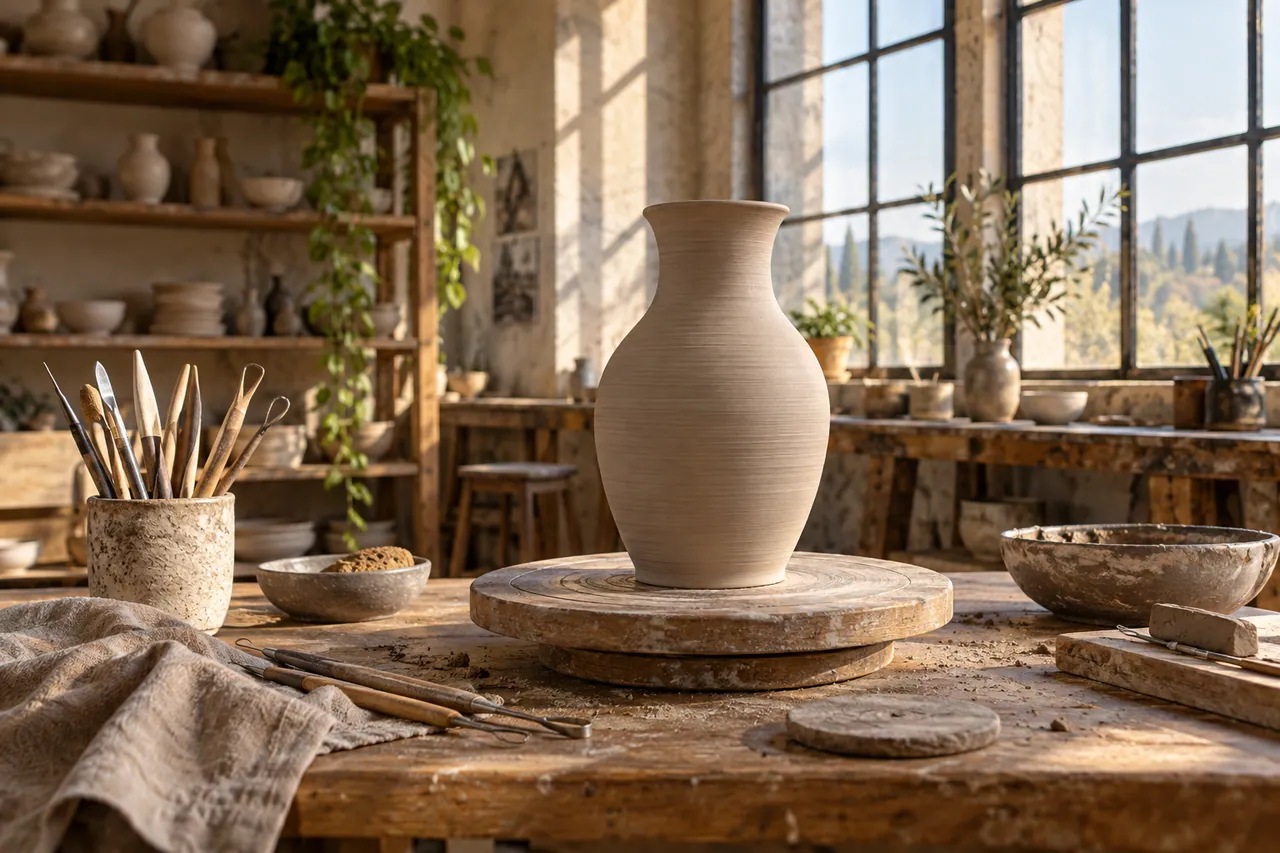
NEW CREATIVE GUIDE
A ceramic studio opening film: explore two original concept images, prompts and a practical production brief.
Explore the Artlist AI creative guide →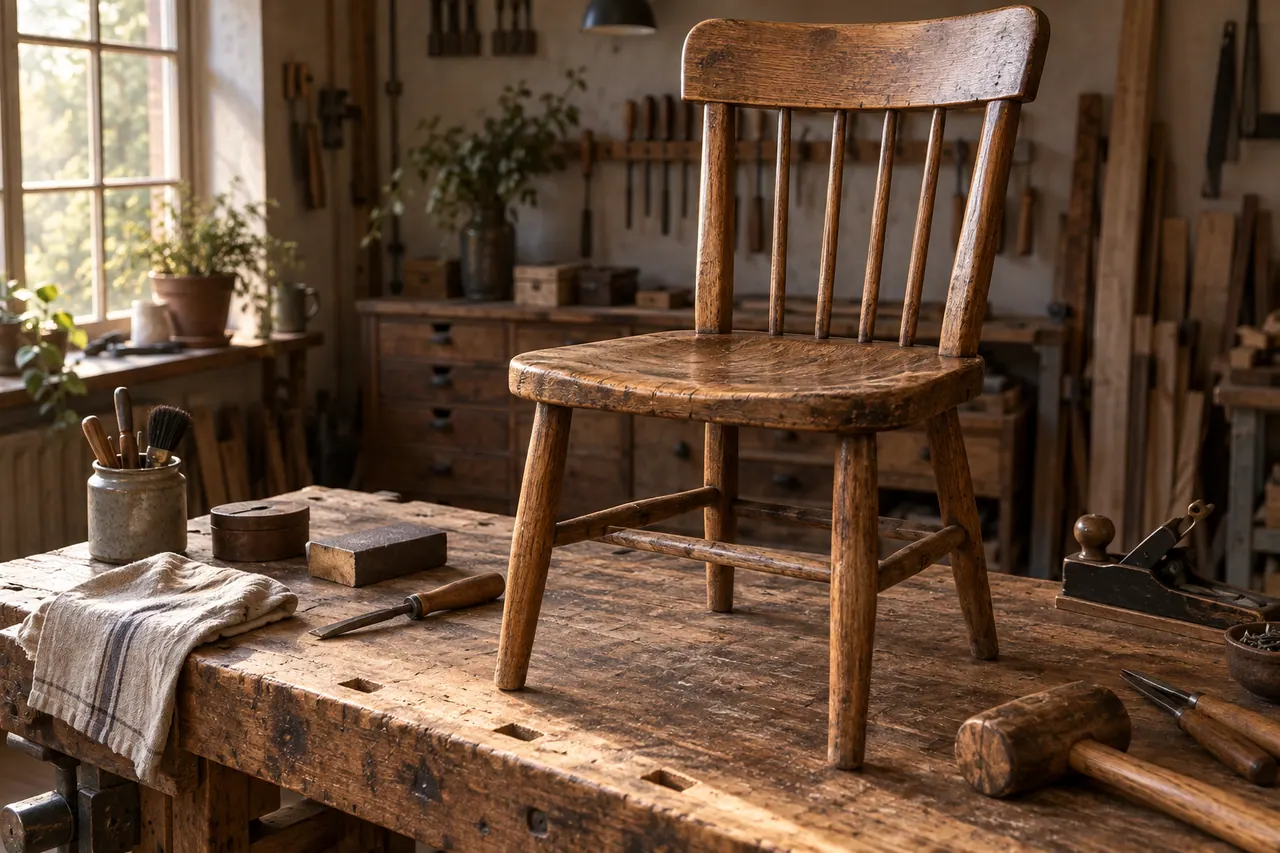
NEW IN THE JOURNAL
Plan an Artlist AI brand film from creative brief to finished sequence, connecting AI generation, music, footage, voice and practical asset review.
Read the complete guide →